When dealmakers search for a virtual data room review, they’re often facing a high-stakes decision: choosing a secure platform that won’t slow down diligence, derail collaboration, or expose sensitive information.
With dozens of vendors claiming to be the “top virtual data rooms” for M&A, fundraising, litigation, or life sciences, knowing which one truly fits your workflow—and budget—has never been more important.
In this comprehensive 2026 guide, we break down:
- A full virtual data room price comparison
- How to compare virtual data rooms by features, security, and user experience
- Unbiased virtual data room reviews of the top providers
- What to expect from virtual data room costs (including hidden fees the industry rarely talks about)
- A breakdown of the top virtual data rooms used by M&A teams, investment banks, private equity, life sciences, legal teams, and more
What is a Virtual Data Room
How to Compare Virtual Data Rooms
Virtual Data Room Pricing
Top Virtual Data Rooms (2026)
Virtual Data Room Reviews
Which VDR Should You Choose?
What Is a Virtual Data Room? (Quick Refresher)
A virtual data room (VDR) is a secure online repository used to store, share, and manage confidential documents—primarily during transactions like M&A, fundraising, clinical partnerships, licensing deals, corporate development, audits, and legal processes.
Unlike generic cloud storage, a VDR provides:

- Bank-grade or military-grade encryption
- Granular user permissions
- Document tracking and analytics
- Secure file sharing
- Audit trails
- Watermarking
- Advanced access control (like two-factor authentication, SSO, remote shredding, and view-only modes)
Modern VDRs include collaboration features to support real-time diligence, secure Q&A, redaction, data governance, and compliance.
How to Compare Virtual Data Rooms: Key Evaluation Criteria
Before jumping into the virtual data room reviews, it’s important to know how to evaluate VDRs, because not all are built for the same use cases.
Here are the factors that matter most:
1. Security & Compliance
The top VDRs offer:
- AES-256 encryption
- SOC 2 Type II compliance
- ISO 27001
- HIPAA compliance (for healthcare and biotech)
- Dynamic watermarking
- Remote document recall
- Granular permissions down to the page level
Tip: Cheaper VDRs often meet only baseline compliance requirements and may lack advanced safety controls.
2. Ease of Use
The best VDRs make it frictionless to:
- Upload thousands of files
- Organize documents using drag-and-drop
- Assign permissions at scale
- Invite new users
- Monitor engagement with dashboards and analytics
- Launch deals quickly without training
Many top providers offer clean UIs, but legacy tools may feel outdated or require admin support.
3. Collaboration Features
Look for:
- Secure Q&A
- Commenting
- Redaction tools (manual, batch, or AI-powered)
- Version control
- Real-time notifications
- Co-authoring or annotation tools
VDRs that double as project management tools typically outperform traditional “file dump” platforms.
4. Document & User Analytics
Analytics is one of the main reasons dealmakers invest in a VDR.
Top VDRs provide:
- Heatmaps of buyer engagement
- Time spent per document
- Individual user behavior tracking
- Real-time notification of investor or buyer activity
This intelligence can help sellers spot buyer intent, identify red flags early, and prioritize communications.
5. Support & Customer Service
During diligence, support matters.
Some VDR providers offer:
- 24/7/365 support
- Dedicated project managers
- Live chat
- Fast SLAs
Low-cost or entry-level VDRs often limit support or charge extra.
6. Pricing Transparency
This is where comparisons become difficult.
Some VDR companies offer:
- Per-page pricing
- Per-user pricing
- Flat monthly subscriptions
- Annual contracts
- Large overage fees for storage
For this reason, a virtual data room price comparison is essential. We’ll break down pricing models below.
Virtual Data Room Pricing: Cost Breakdown and Hidden Fees
One of the most-searched topics in the category is:
What does a virtual data room cost?
Here’s the truth: pricing varies widely depending on features, storage needs, and service levels.
Typical Virtual Data Room Pricing Models
- Per-Page Pricing (older vendors)
- $0.40–$1.00 per page
- Mostly used by legacy VDRs
- Can become extremely expensive for large deals
- $0.40–$1.00 per page
- Per-User Pricing
- $20–$40 per user per month
- Better for predictable team use
- Risk of large increases if diligence expands
- $20–$40 per user per month
- Storage-Based Pricing
- $150–$400 per GB
- Common with newer VDRs
- Large file types (videos, imaging, spreadsheets) can spike costs
- $150–$400 per GB
- Flat Monthly Fee (Unlimited Users + Storage Tiers)
- $300–$1000 per month
- Most predictable model
- Ideal for M&A, recurring regulatory work, or life sciences partnerships
- $300–$1000 per month
Hidden Fees to Watch For
Many vendors add fees for:
- Extra storage
- Additional users
- Printing or exporting rights
- Extra admin accounts
- Q&A module access
- API integrations
- Redaction tools
- Premium support
Always ask the vendor to disclose all pricing variables up front.
Top Virtual Data Rooms (2026): Full Virtual Data Room Review & Comparison
Below is a breakdown of today’s top virtual data rooms, including strengths, weaknesses, ideal use cases, and pricing notes.
1. ShareVault
Best for: M&A, investment banks, life sciences, private equity, secure file sharing, enterprise security
ShareVault consistently ranks as one of the top virtual data rooms for industries requiring unmatched security and usability—particularly M&A dealmakers, biotech and pharma companies, and legal teams.
Key Strengths
- Extremely intuitive UI
- High-speed uploading and organization
- Advanced permissioning down to the page level
- Real-time analytics and heatmaps
- Secure Q&A workflows
- Full SOC 2 Type II + HIPAA compliance
- Remote shredding and controlled view-only access
- AI-powered redaction (new 2026 update)
- Unlimited users and flexible storage plans
Pricing
ShareVault uses transparent, flat-fee virtual data room pricing with unlimited users—ideal for teams who want predictable budgeting.
Plans vary depending on storage and features, generally in the mid-market of VDR pricing.
Best For
- M&A sell-side and buy-side teams
- PE portfolio management
- Biotech and pharma partnerships
- Licensing and IP management
- Financial services
- Legal teams managing sensitive documentation
2. Datasite

Best for: Investment banks handling large, complex transactions
Datasite is a heavyweight enterprise VDR built for large, high-volume dealmaking.
Strengths
- Strong branding among major investment banks
- Excellent deal lifecycle features
- Scalable for large multi-party processes
Weaknesses
- Complex interface
- Higher learning curve
- Premium pricing
- Limited flexibility for small teams
Pricing
Datasite’s virtual data room cost sits in the high-end enterprise tier with usage-based pricing—often higher than competitors.
3. Intralinks

Best for: Massive enterprise transactions & multinational workflows
One of the oldest and most well-known VDRs, often used for very large deals or regulated industries.
Strengths
- Strong reporting
- Widely recognized brand
- Good for large corporate teams
Weaknesses
- Outdated UI
- Slow admin workflows
- Premium price point
- Limited modern collaboration tools
Pricing
Intralinks pricing is typically higher than modern alternatives and includes add-on fees for advanced features.
4. Firmex

Best for: Repeat M&A deals and mid-market transactions
A popular choice for buy-side processes, legal teams, and financial institutions.
Strengths
- Predictable subscription-based pricing
- Good for companies running multiple deals
- Solid support resources
Weaknesses
- UI less modern than newer VDRs
- Limited advanced analytics
- Fewer integration options
Pricing
Firmex generally offers mid-range, flat-rate pricing, making it competitive for ongoing deal volume.
5. Box + Security Plugins

Best for: Teams on a budget who prioritize generic cloud storage
Some companies attempt to replace a full VDR using Box plus add-ons.
Strengths
- Low cost
- Familiar interface
- Easy for teams already using Box
Weaknesses
- Not a true VDR
- Not suitable for high-stakes M&A or regulated industries
- Weak access control
- Lacks advanced analytics
- No structured Q&A
- No redaction capabilities
Pricing
Starts low, but add-ons quickly increase total cost, and the platform is not recommended for real due diligence.
6. Google Drive + Permissions

Best for: Early-stage startups with no regulatory or high-stakes needs
Google Drive is not a VDR, but is sometimes used by small teams.
Strengths
- Free or low cost
- Familiar interface
Weaknesses
- Not secure enough for real diligence
- Weak audit trails
- No buyer tracking, Q&A, redaction, or structured workflows
- High breach and permissioning risks
Pricing
Free—however, the lack of document-level security can create catastrophic exposure for deal processes.
*If you need a virtual data room that has an abundance of connectors for your existing file sharing tool so as to allow for seamless document management check out the ShareVault Integrations page.
Virtual Data Room Price Comparison Chart (2026)
Below is a simplified view to help teams compare virtual data rooms easily:
| VDR Provider | Pricing Model | Approx. Cost | Best For | Notable Drawbacks |
| ShareVault | Flat monthly fee, unlimited users | Mid-market | M&A, Life Sciences, Legal, PE | None major; advanced features require higher tiers |
| Datasite | Usage-based | High | Large banks, enterprise | Expensive for smaller deals |
| Intralinks | Usage-based | High | Global enterprise M&A | Outdated UI, steep learning curve |
| Firmex | Subscription | Mid-market | Mid-market deals, legal | Simpler feature set |
| Box (with add-ons) | Per user + add-ons | Low-to-mid | Light sharing | Not a true VDR |
| Google Drive | Free | Free | Basic document sharing | Not optimal for high-stakes deals |
Virtual Data Room Reviews: What Users Are Saying (2026 Trends)
Across top review platforms (G2, Capterra, Gartner), users consistently cite the same themes:
What Users Like Most:
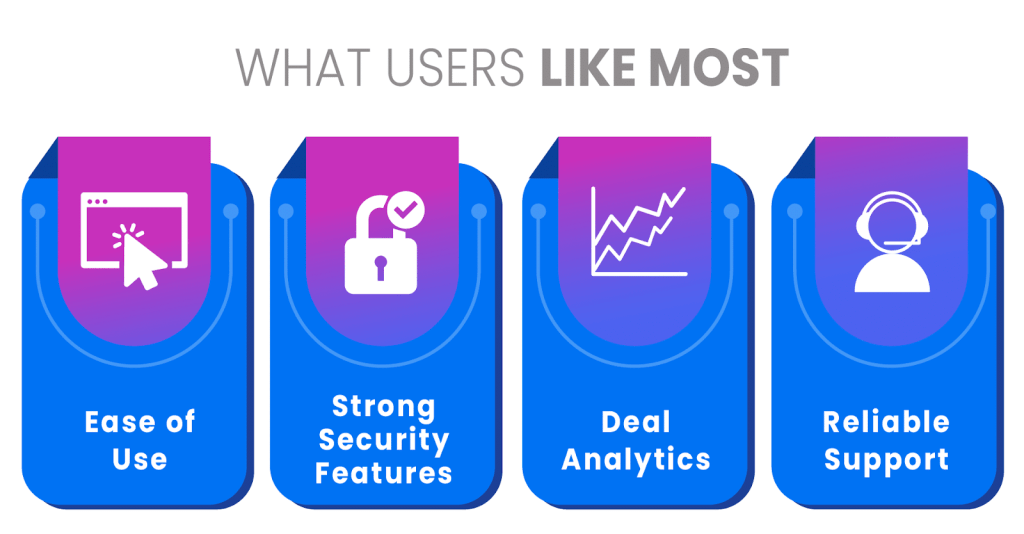
1. Ease of Use
Reviewers overwhelmingly prefer platforms with simple navigation, drag-and-drop organization, and intuitive permissioning.
2. Strong Security Features
SOC 2 compliance, encryption at rest and in transit, and granular access controls are the most-praised features.
3. Deal Analytics
Users love being able to see who is spending time on which documents.
4. Reliable Support
Platforms with 24/7 white-glove support earn higher reviews than self-service VDRs.
What Users Dislike:
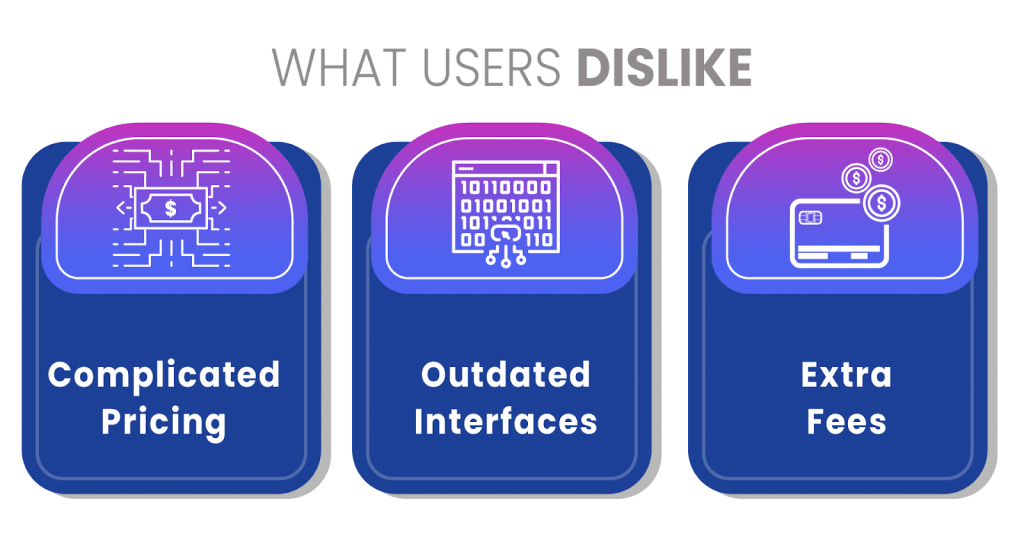
1. Complicated Pricing
Per-page or usage-based pricing models cause frustration and unpredictability.
2. Outdated Interfaces
Legacy VDRs are criticized for slow uploading, confusing permissions, and cumbersome organization systems.
3. Extra Fees
Users regularly mention surprise charges for additional admins, added storage, redaction tools, or Q&A modules.
Which VDR Should You Choose?
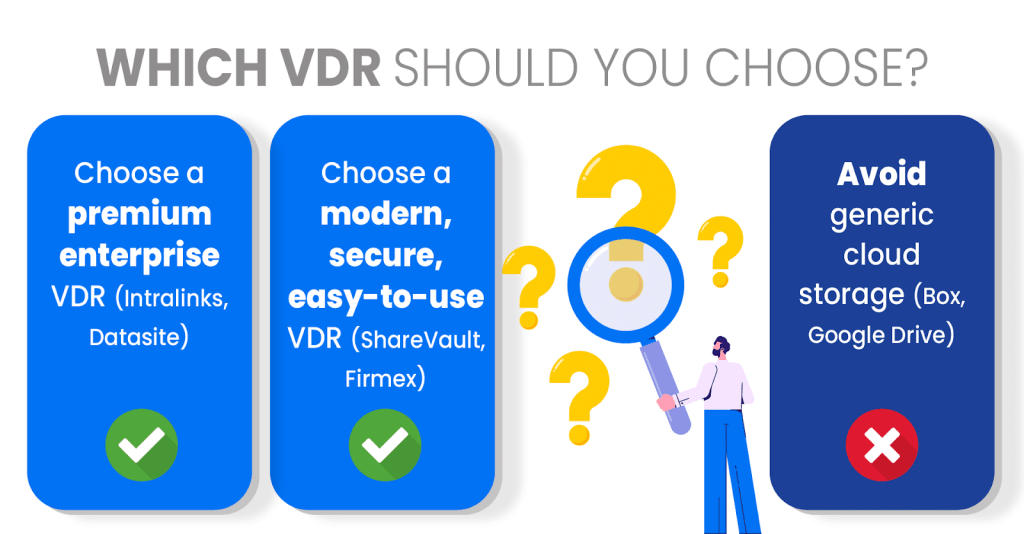
The right VDR depends on your use case:
Choose a premium enterprise VDR (Intralinks, Datasite) if:
- You want a data room with the longest track record
- You require global enterprise compliance
- Cost is not a concern
Choose a modern, secure, easy-to-use VDR (ShareVault, Firmex) if:
- You’re running mid-market M&A
- You’re in life sciences or healthcare
- You manage multiple deals per year
- You want predictable pricing
- You need high security + usability
Avoid generic cloud storage (Box, Google Drive) if:
- You are dealing with any regulated industry
- You are sharing confidential or material non-public information
- You require analytics, Q&A, or secure document controls
Conclusion: The Best Virtual Data Room for 2026
Choosing the right VDR requires more than a surface-level feature comparison. Dealmakers must understand:
- Total cost of ownership
- How pricing models scale
- Which tools improve diligence speed
- Which vendors offer real security—not just claims
- Which VDRs provide analytics that give you a competitive edge
If you’re comparing virtual data room pricing, looking for top virtual data rooms, or want an honest virtual data room review, this guide covers the essential differences.
Among the options, ShareVault stands out for offering:
- Premium security
- Modern UX
- Predictable pricing
- Unlimited users
- Analytics that accelerate deals
- Collaboration features that eliminate friction
- Compliance trusted by M&A, PE, and life sciences leaders
And in high-stakes dealmaking, those advantages matter.