Before distributing a PDF, you may want to delete confidential or sensitive personal information (such as credit card numbers, social security numbers or email addresses) that you don’t want to share. This is called “redaction.”
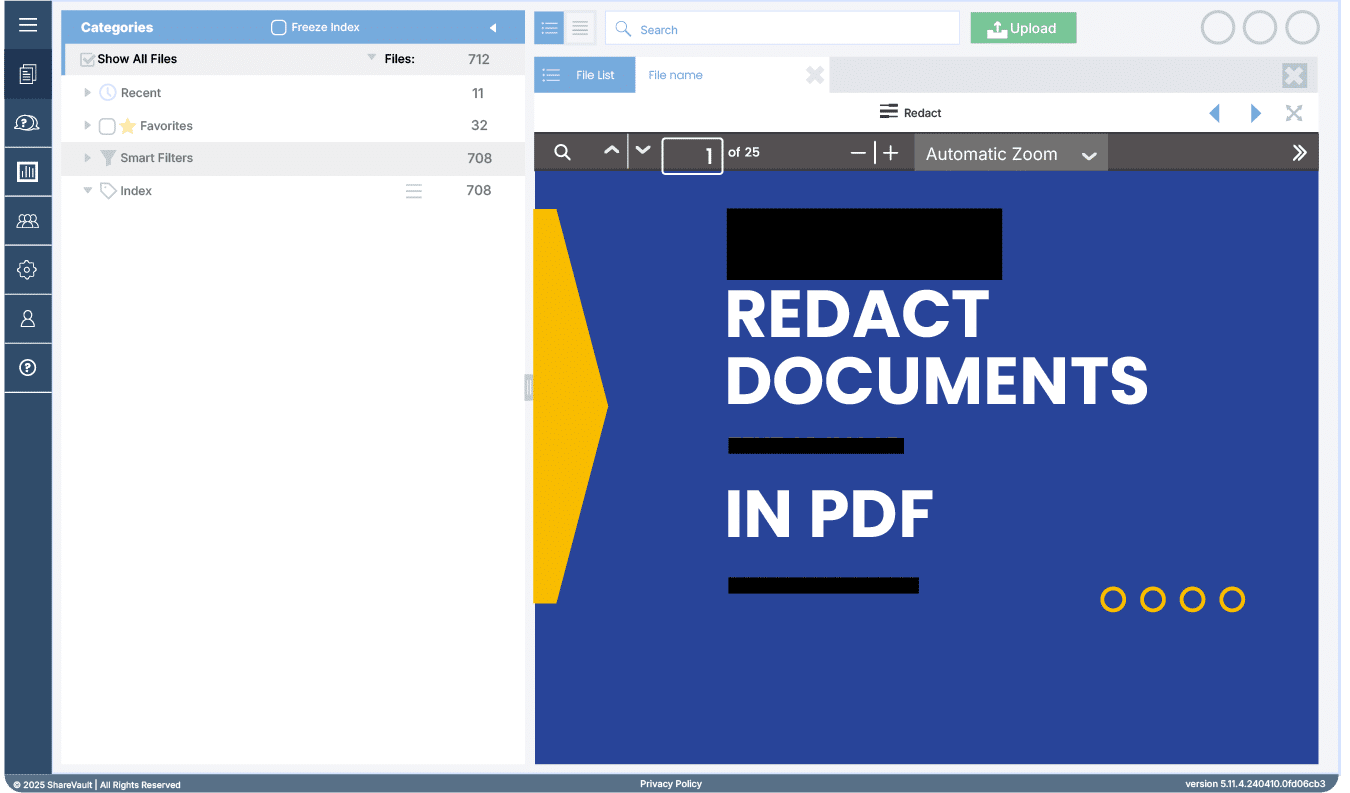
Document redaction is the process of permanently removing visible text and graphics from a document. Unfortunately, many people believe that redaction is simply drawing black boxes on top of text using PDF annotation tools. Although it looks very similar to redaction, drawing black rectangles over text, or images does not prevent the reader from copying the text or graphics that are beneath the black rectangles.
In other words, even if you can’t see the information, it’s still there and it’s easy for a user to copy it. A proper redaction tool not only blacks out the content, but also deletes the underlying text and images.
How to Redact Documents With Adobe Acrobat

Using Adobe Acrobat, it’s quite simple to redact text or graphics from a PDF in order to remove sensitive information:
- Choose Tools > Protection > Mark for Redaction
- To change the appearance of redaction marks, click Redaction Properties. The default redaction area fill color is black but you can change it to anything you like, or no color at all.
Mark the items you want to remove by doing any of the following:
- Double click to select a word or image.
- Drag to select a line, block of text, object or area.
- Press Ctrl as you drag to select areas of a page in a scanned document.
- To preview how your redaction marks will appear, hold the pointer over the marked area.
- Click Apply Redactions. Note: The items aren’t permanently removed from the document until you save it.
You can also use the Search and Redact feature to search an entire PDF for terms or phrases that you would like to redact.
- Choose File > Save and specify a filename and location. The suffix _Redacted will be appended to the filename. If you don’t want to overwrite the original file, save the file to a different name, location, or both.
That’s all there is to it!
Wrap Up

Remember it’s not enough to simply select text and change the highlight color to black, like this: This text is not properly redacted. Try it yourself – you can just copy the text in that black box to see what it says. A PDF works the same way, so to permanently remove text from a PDF you must use the document redaction tool.
To learn more about how ShareVault is the industry leader in securing documents for third-party sharing, visit www.sharevault.com.