A virtual data room is only as effective as the information inside it. Whether you’re preparing for due diligence, fundraising, M&A, or another confidential business process, a well organized data room helps reviewers find information quickly while giving administrators greater control over sensitive documents.
Poor organization creates unnecessary delays, increases the risk of sharing the wrong information, and makes collaboration more difficult than it needs to be. By following a few best practices, you can reduce friction throughout the review process and create a better experience for everyone involved.

1. Don’t Let a Poor Folder Structure Slow Down Due Diligence
Before uploading documents, take time to plan a logical folder structure. Think about how investors, buyers, legal counsel, or other stakeholders will review your information. Start with broad categories such as Financial Documents, Legal Agreements, Corporate Records, and Due Diligence Materials, then organize each into relevant subfolders.
A clear structure helps reviewers locate information quickly and reduces unnecessary questions during the review process.
2. Confusing File Names Waste Everyone’s Time
Consistent naming conventions make documents easier to identify and search.
Avoid generic file names such as “Final Version” or “Document1.” Instead, include details such as the document type, reporting period, and date.
For example:
2026_Q2_Financial_Statements.pdf
A consistent approach reduces duplicate uploads, minimizes confusion, and helps reviewers locate the correct information faster.
3. Make Important Documents Easier to Find
Metadata and document tags provide additional context that improves searchability.
Assign relevant information such as document type, author, project, or reporting period whenever possible. As your data room grows, these attributes help users quickly locate documents without manually browsing through folders.
4. Avoid Giving the Wrong People Access
Not every participant needs access to every document.
Use role based permissions to ensure users only see the information required for their responsibilities. Different buyers, investors, advisors, and internal stakeholders often require different levels of access throughout a transaction.
Maintaining control over document permissions helps protect confidential information while supporting efficient collaboration.
5. Outdated Documents Create Unnecessary Risk
As projects evolve, your virtual data room should evolve with them.
Regularly review folders, remove outdated information, update permissions, and replace superseded documents with current versions. Keeping your data room current helps reviewers work from accurate information and reduces confusion during active transactions.
6. Don’t Assume Every User Knows Your Organization
Even a well organized data room benefits from simple guidance.
Provide a brief overview of the folder structure, naming conventions, or any project specific instructions. A few minutes of orientation can save hours of unnecessary back and forth later.
7. Consistency Depends on Your Team
Technology alone cannot keep a data room organized.
Train internal users on how documents should be uploaded, categorized, and maintained. When everyone follows the same standards, the data room remains organized throughout the life of the project.
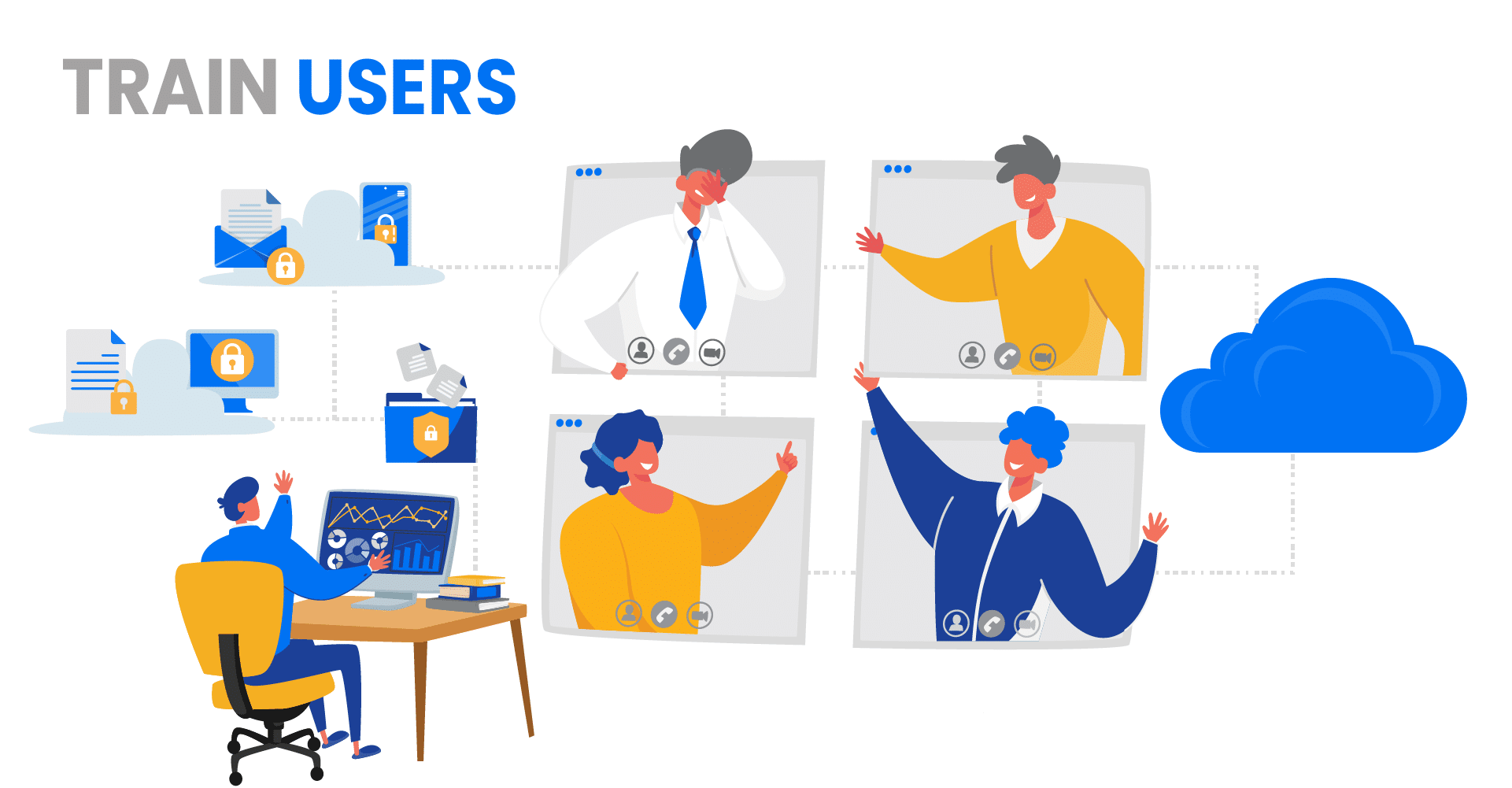
Collaboration Features and Communication Tools of a Modern Virtual Data Room
Once your documents are organized, the next step is making it easy for internal teams and external stakeholders to collaborate without sacrificing security or control. Modern virtual data rooms help organizations share information, manage due diligence, and keep projects moving while reducing unnecessary friction.
Collaboration Features of a Modern VDR
Granular Access Control: Not every participant should have access to every document. Modern virtual data rooms allow administrators to assign permissions based on each user’s role, such as view only, download, edit, or print. Limiting access to only the information each person needs helps protect confidential data while maintaining control throughout the transaction.
Document Versioning: During due diligence, documents often change as new information becomes available. Version control helps ensure everyone is working from the most current document while preserving previous versions for reference when needed. This reduces confusion and supports a more organized review process.
Q&A and Discussions: Clear communication helps transactions move forward more efficiently. Built in Q&A and discussion tools allow participants to ask questions, provide clarification, and communicate directly within the virtual data room, reducing reliance on lengthy email chains.
Activity Tracking and Auditing: Understanding how reviewers interact with your documents provides valuable insight throughout a transaction. Audit trails record who accessed documents, when they viewed them, and what actions they performed, helping administrators maintain visibility and accountability.
Communication Tools of a Modern VDR
Secure Messaging: VDRs often include encrypted messaging features that allow users to communicate within the platform. This feature eliminates the need to rely on external communication tools for discussing sensitive matters related to the shared documents.
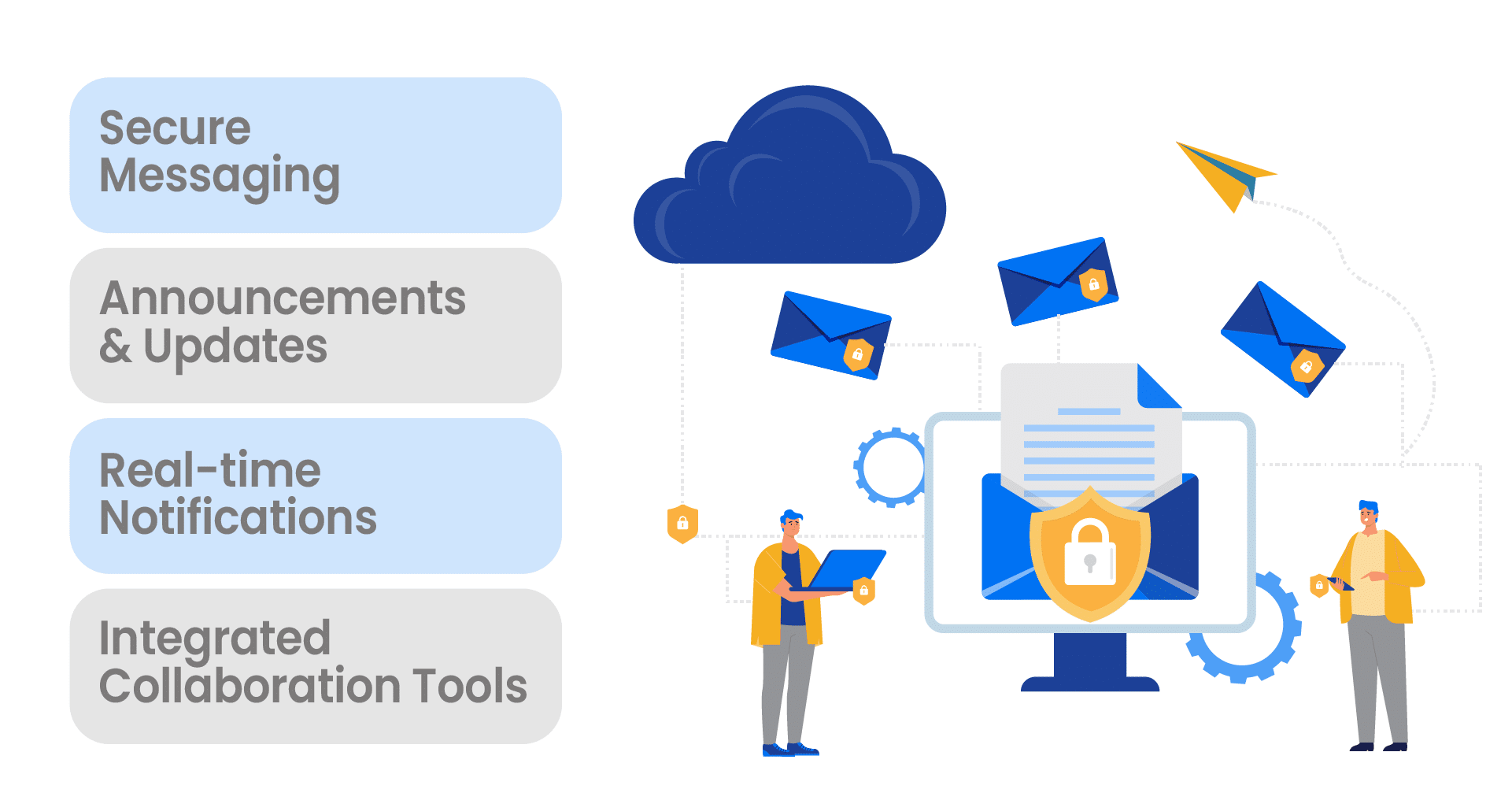
Announcements and Updates: VDR administrators can use the platform to broadcast important announcements and updates to all users. This is particularly useful during time-sensitive transactions, ensuring that everyone is informed promptly.
Real-time Notifications: Users can receive real-time notifications about document updates, new messages, or any relevant activities. This keeps all parties informed without requiring constant manual checking of the platform.
Integrated Collaboration Tools: Some VDRs integrate with popular collaboration tools like Microsoft Office 365 or Google Workspace, enabling seamless editing, commenting, and real-time collaboration on documents within the VDR environment.
Benefits of Modern VDR Collaboration Features and Communication Tools

An organized virtual data room combined with effective collaboration tools helps organizations improve both security and efficiency throughout confidential business processes.
Enhanced Efficiency: Teams can review, share, and collaborate on documents remotely, reducing delays and helping due diligence move forward more quickly.
Security and Compliance: Centralized document management, permission based access, and activity tracking help organizations protect confidential information while supporting regulatory and compliance requirements.
Transparency: Audit trails and collaboration tools provide visibility into document activity, helping participants stay aligned and improving accountability throughout the transaction.
Cost and Resource Savings: Virtual data rooms reduce the need for physical data rooms, printed documents, travel, and manual document management, making transactions more efficient and cost effective.
Best Practices for Data Room Administrators
Data room administrators play an important role in maintaining security, organization, and efficiency throughout a project. Following consistent administrative practices helps teams stay organized and maintain control as transactions progress.
Admin Controls
Administrators should regularly review user permissions, document organization, and security settings throughout the life of the project.
Common administrative controls include:
User Management: Add and remove users, assign roles, and manage access levels based on responsibilities.
Data Access Permissions: Control who can view, download, print, or edit documents while limiting access to sensitive information.
Document Versioning: Ensure reviewers always have access to the most current approved version while maintaining historical versions for reference.
Access Expiry: Set expiration dates for temporary users, consultants, or prospective buyers when access is only required for a limited period.
Watermarking and Document Protection: Apply document protection features to discourage unauthorized distribution and reinforce accountability.
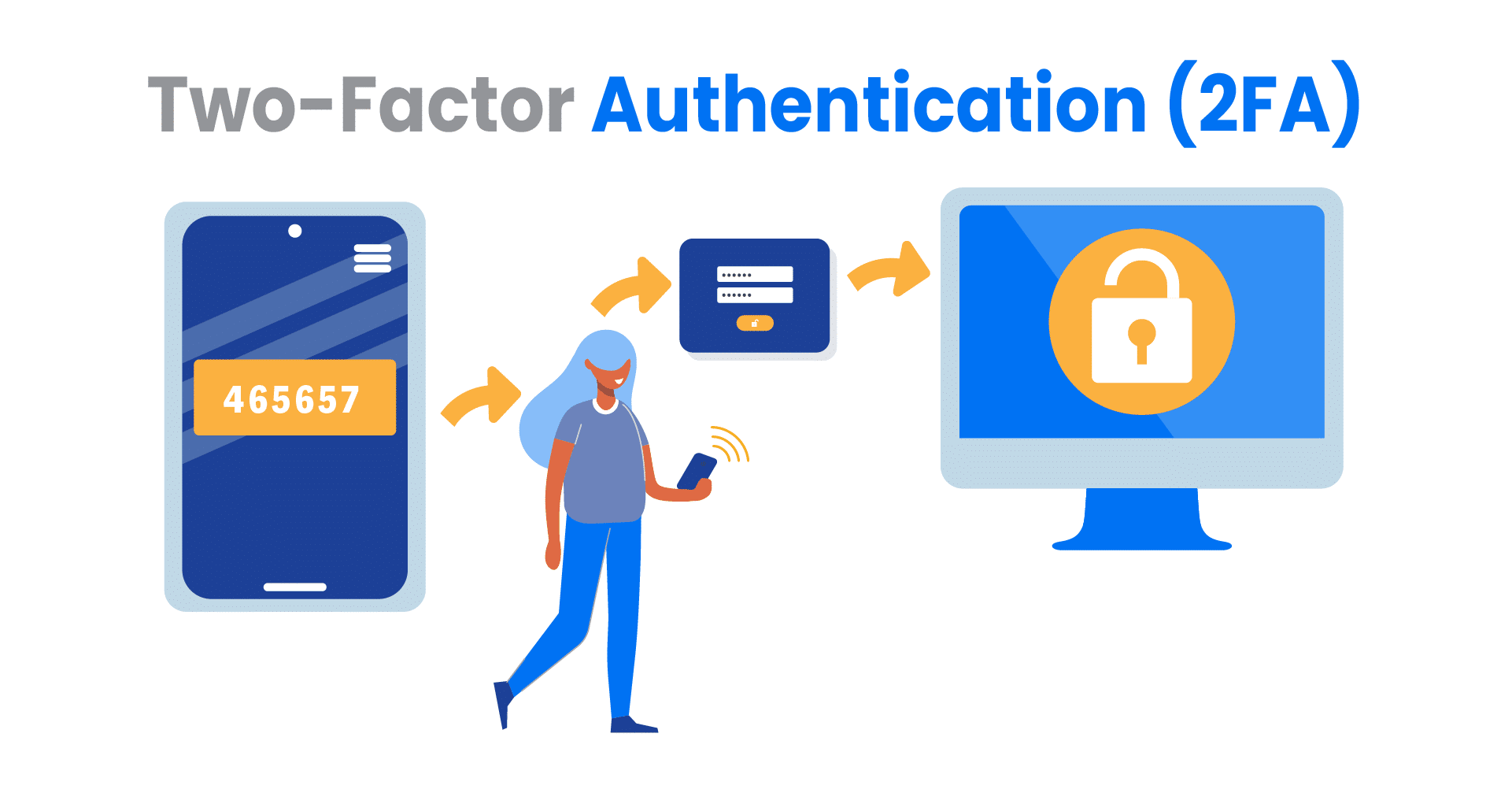
Two-Factor Authentication (2FA): Add an additional layer of account security by requiring users to verify their identity beyond a password.
Document Encryption: Encrypt documents both in transit and at rest to help protect confidential business information.
Data Retention Policies: Establish retention guidelines that define how long documents remain available after a project concludes.
Secure Deletion: Remove documents securely when they are no longer required to help protect sensitive information.
Tracking User Activity
Monitoring user activity helps administrators maintain visibility, support compliance efforts, and identify potential security concerns.
Useful activity reports include:
Login and Logout: Review user access patterns and identify unexpected login activity.
Document Access: Track which users viewed specific documents and when they accessed them.
Document Downloads and Prints: Monitor when confidential documents are downloaded or printed.
Document Edits and Comments: Maintain visibility into changes made during collaborative review.
Permission Changes: Track updates to user access throughout the project.
Search Activity: Understand what information users are looking for and identify opportunities to improve organization.
Failed Login Attempts: Monitoring failed login attempts can indicate potential security threats or password-guessing attempts.
Combined with thoughtful document organization, these administrative controls help organizations maintain confidence, strengthen security, and support efficient collaboration throughout fundraising, due diligence, M&A, and other confidential business activities.
Conclusion
A well organized virtual data room helps teams move faster, maintain control over confidential information, and create a better experience for investors, buyers, legal counsel, and other stakeholders.
Whether you’re preparing for due diligence, fundraising, M&A, or another confidential business process, following these best practices can reduce friction, improve collaboration, and help reviewers find the information they need with confidence.
Request a demo to see how ShareVault helps organizations organize, secure, and share confidential information throughout every stage of the deal process.
ShareVault has been providing organizations of all types and sizes with secure document-sharing solutions for over 15 years.